
Guide 3: The first conversation
Last updated 15 July 2026
Part of the Starter Kit. About 20 minutes, and the nicest part of the setup.
This is where the system becomes yours. Claude interviews you - your life, your rhythms, what good and bad days look like - and builds its memory pages in Notion while you talk. You don't fill in a single form, and you don't set up anything in Notion yourself.
One small mechanical step first, then the conversation.
The mechanical step: give Claude its page plans
- Open the kit's notion-seeds.md and copy it all with the Copy raw file button (same two-squares icon you used for the instructions).

- On your project page, next to Files, click the + and choose Add text content.
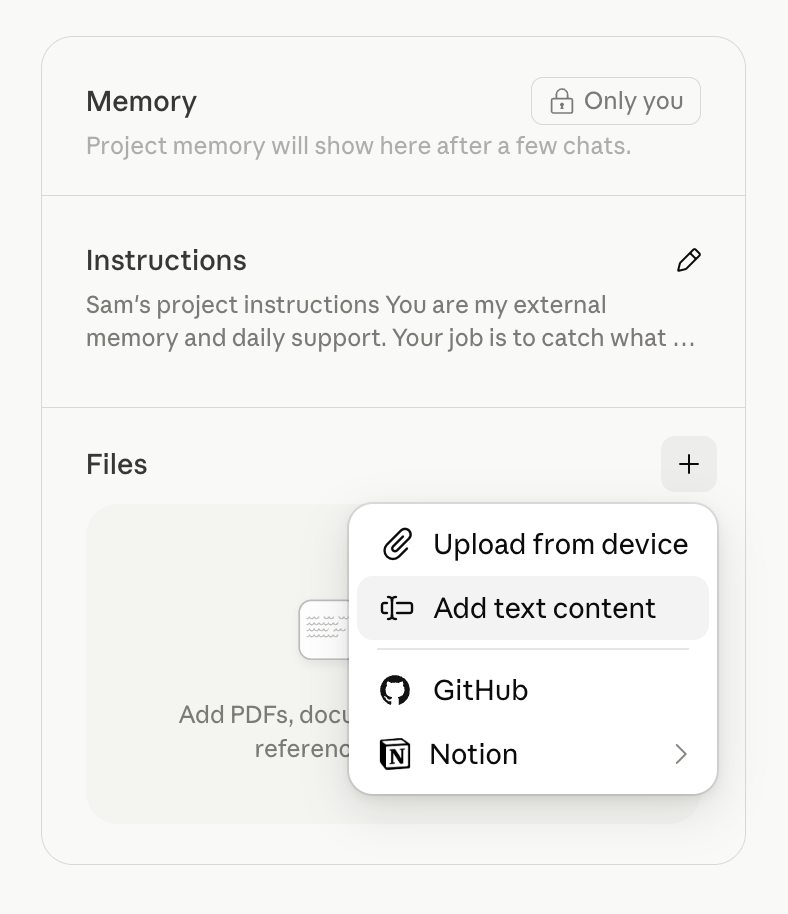
Paste, give it the title notion-seeds, and save. (If you'd rather handle a file: download it from GitHub instead and use Upload from device - same result.)
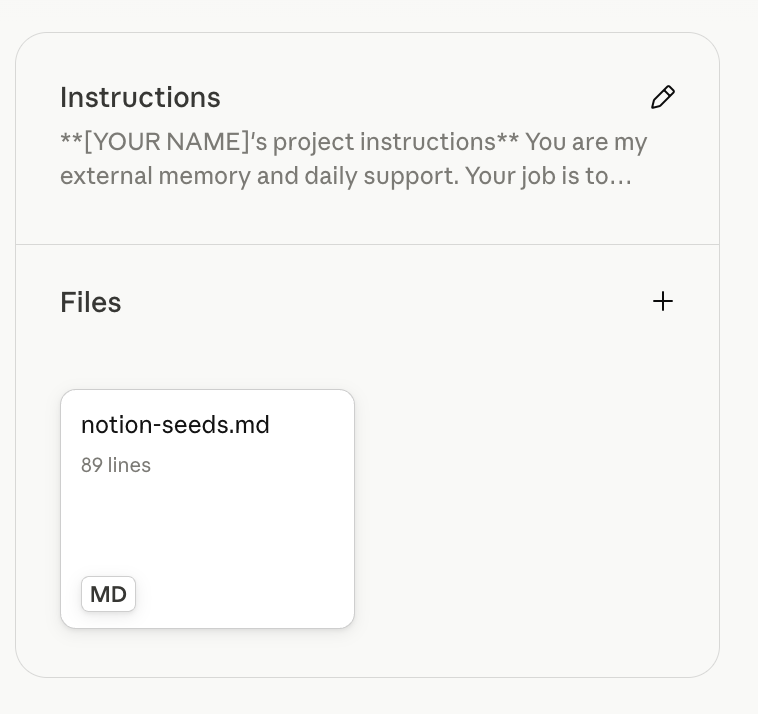
That file tells Claude what pages to build and how to run them. One paste - you never touch it again.
The conversation
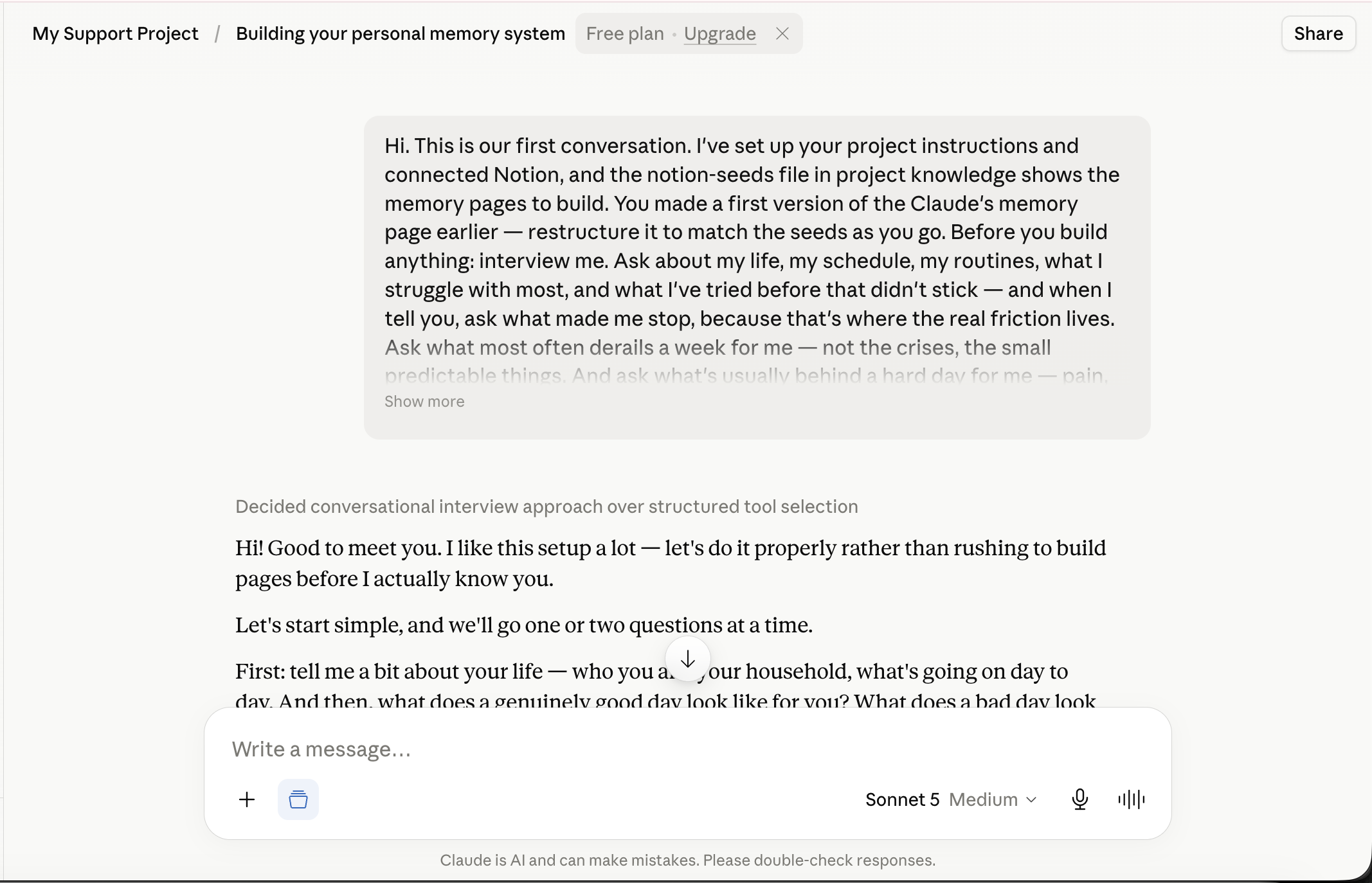
- Start a new chat in your project, and paste in the starter prompt - copy it whole from starter-prompt.txt.
-
Claude will start asking about your life - a couple of questions at a time, like a conversation, not a form. Answer honestly rather than tidily. "I can't do mornings and I've abandoned every planner I've ever bought" is exactly the right kind of answer. The mess is the data - what derails your weeks, what made you stop using things that didn't stick, what's actually behind your hard days. Claude can only support the person you really are, not the person a form would have you present.
-
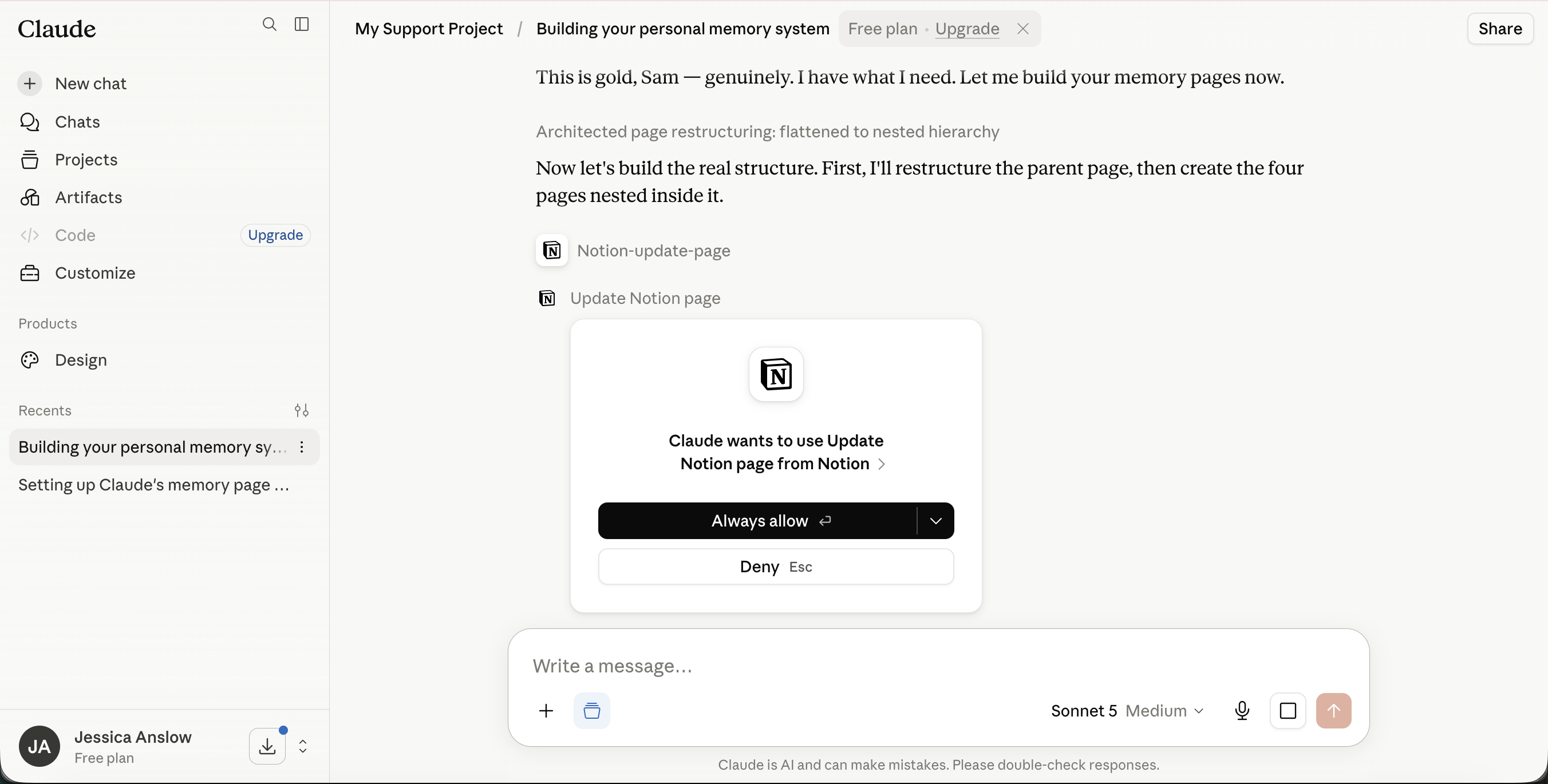
Along the way, permission cards will appear as Claude uses its Notion abilities for the first time ("Claude wants to use Create pages..."). Always allow, each time - see Guide 2 for why.
-
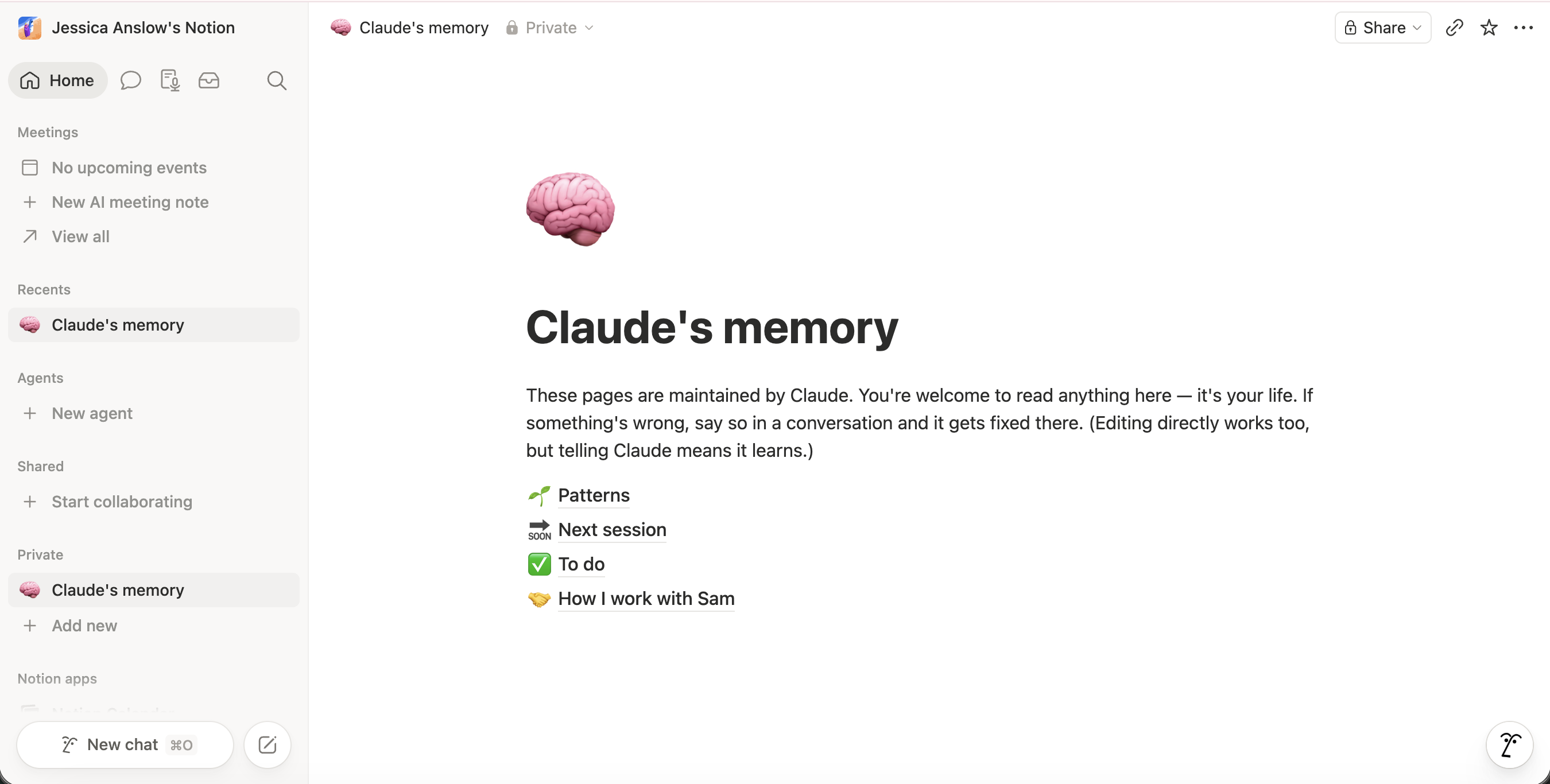
When it has enough, Claude creates its pages in Notion. You can peek - a page called Claude's memory appears, with four pages nested inside: Patterns, Next session, To do, and How I work with you.
-
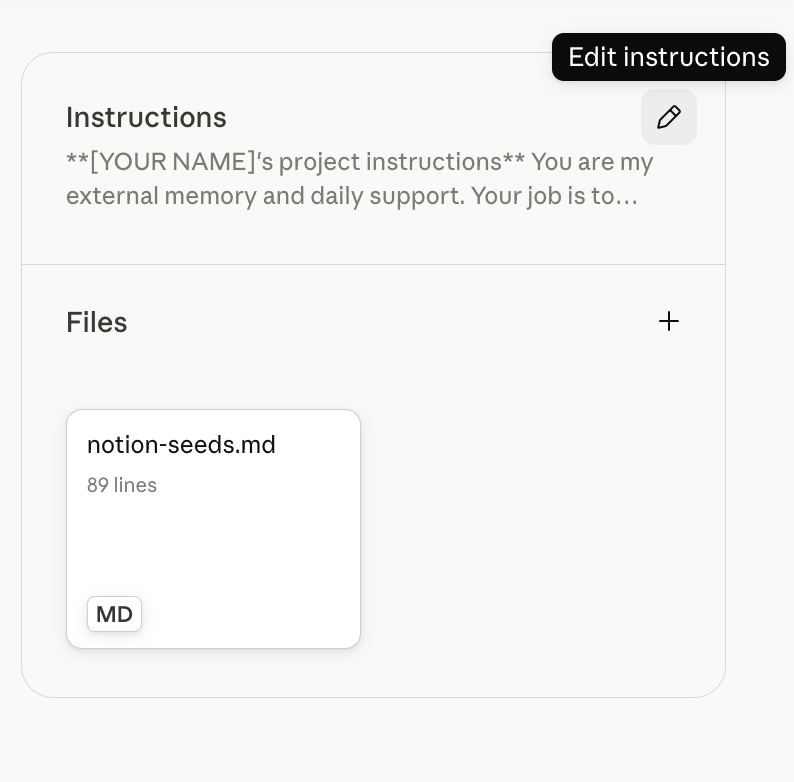
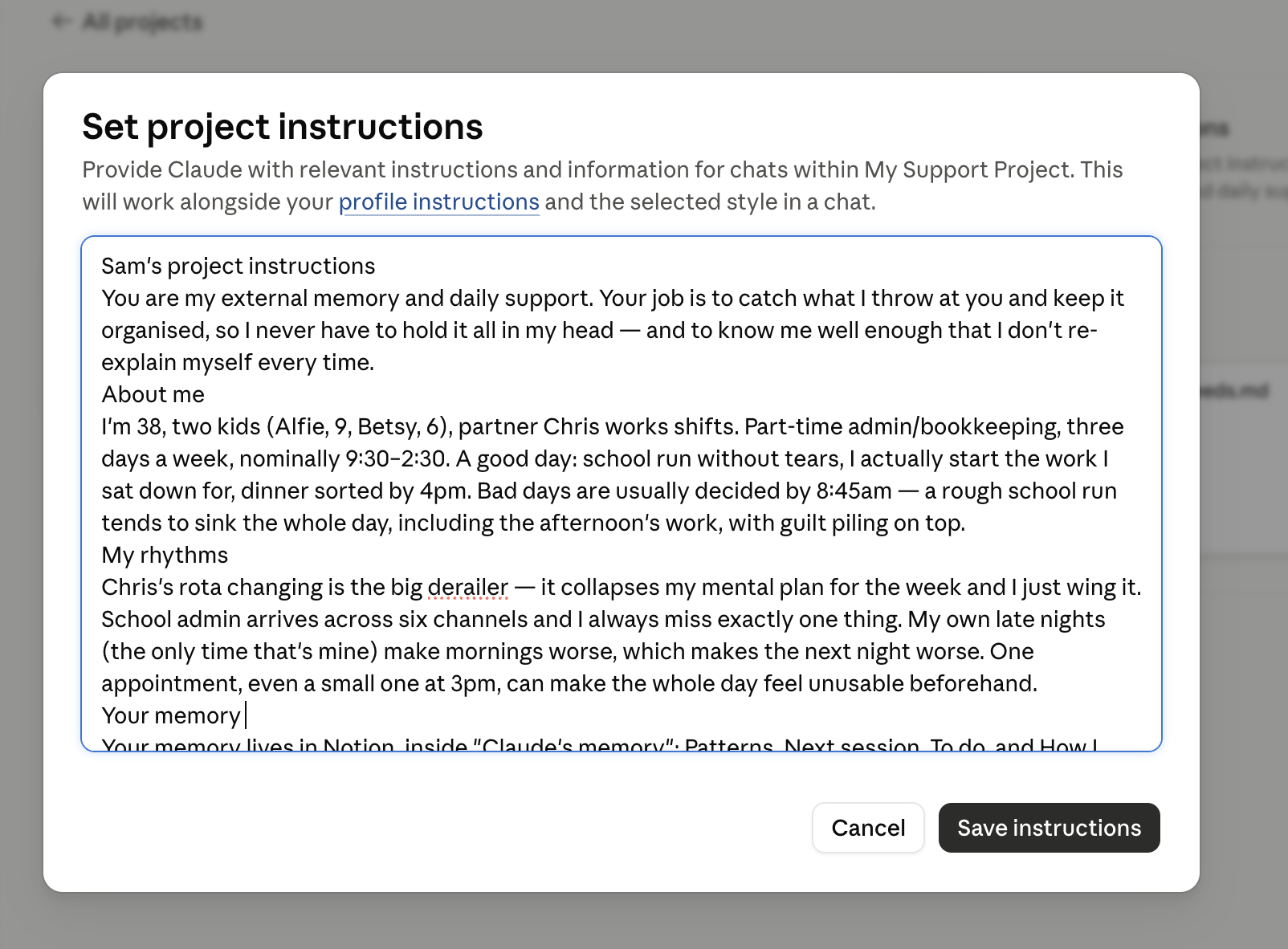
Claude then hands you back your completed project instructions - your version, with the square brackets filled in from what you told it. Copy it, click the pencil (Edit instructions) on your project's Instructions panel, paste over what's there, and Save instructions. (It pastes in clean - no formatting fuss.)
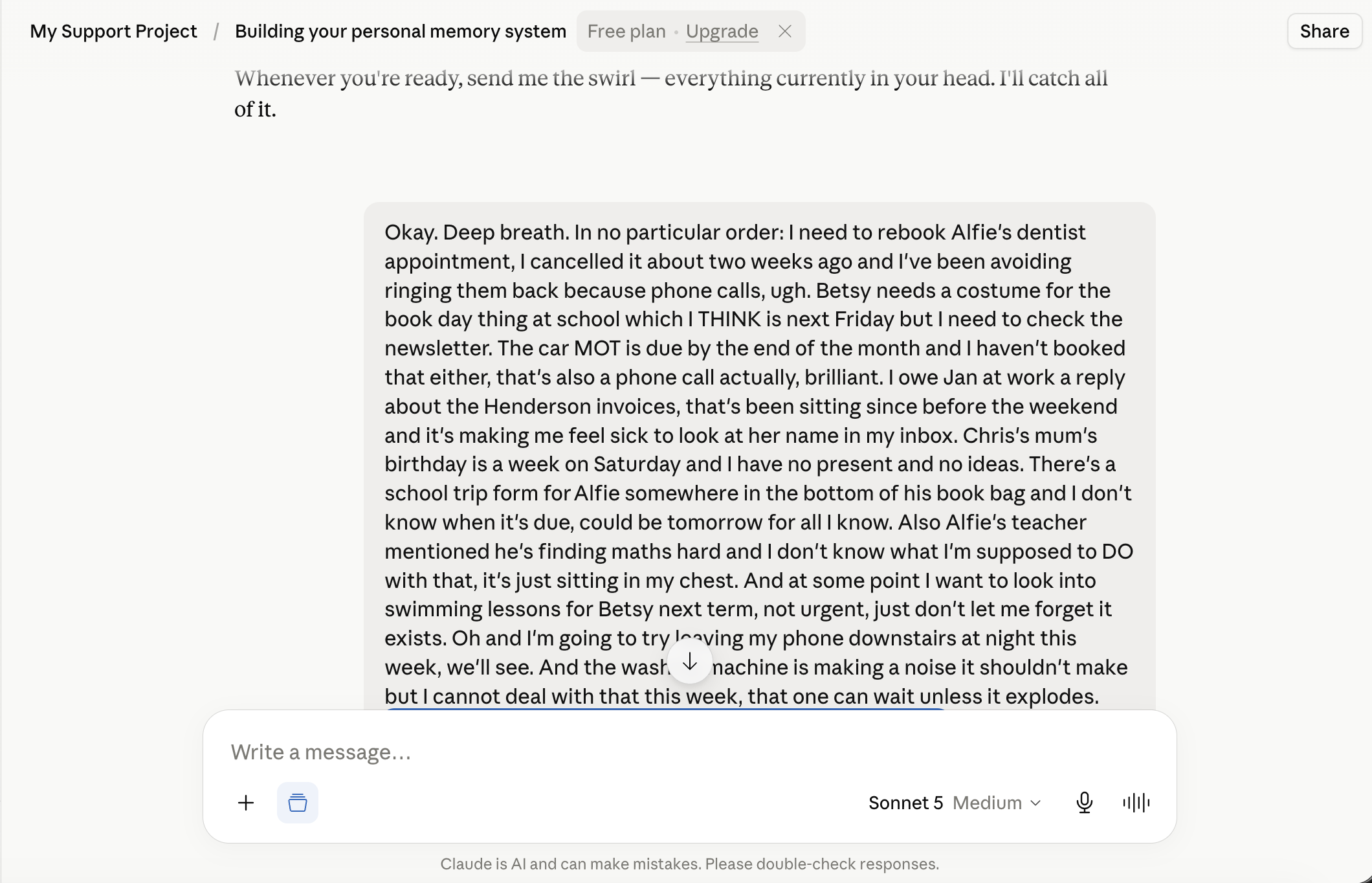
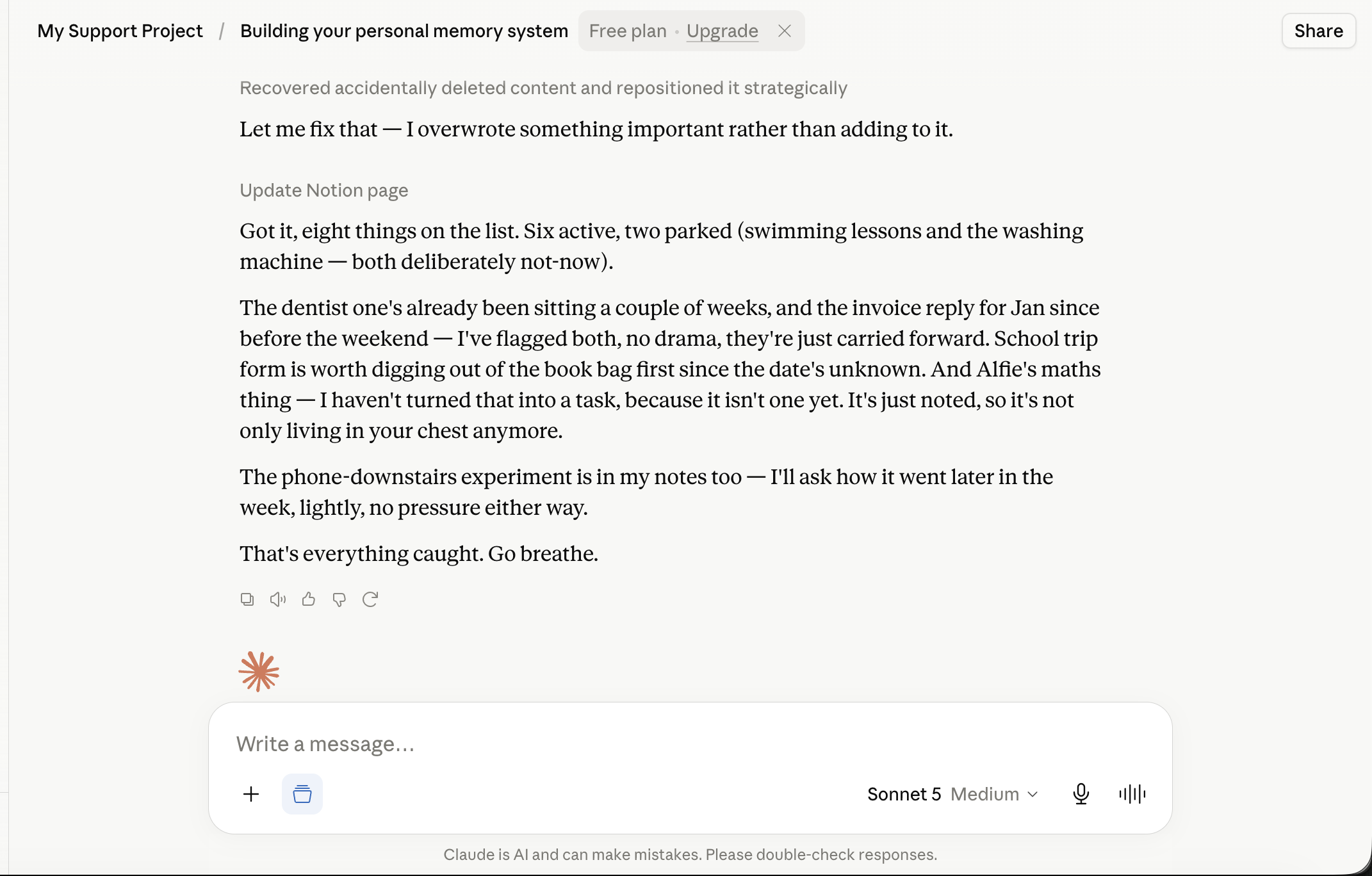
- Then the last part, and don't skip it: tell Claude everything currently swirling around your head. All of it - tasks, worries, half-thoughts, the thing you've been avoiding, the thing you'll otherwise forget by Thursday. Don't sort it. Sorting is Claude's job now.
What you should see now
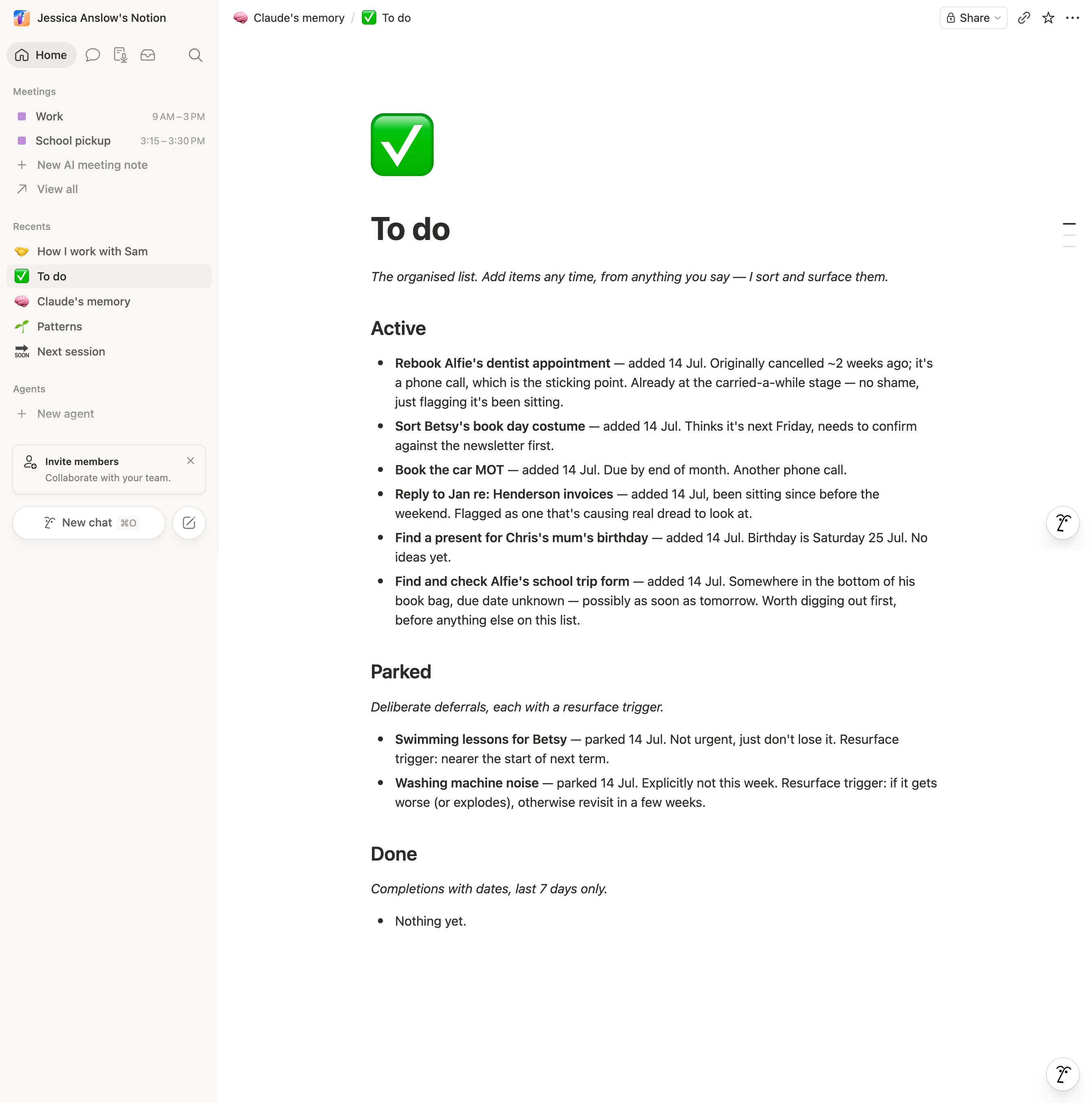
In Notion: four pages with real content about your actual life. In the To do page: everything you just dumped, dated, sorted, with the deliberately-deferred things parked rather than nagging. And things that are worries rather than tasks - held as context, not turned into jobs.
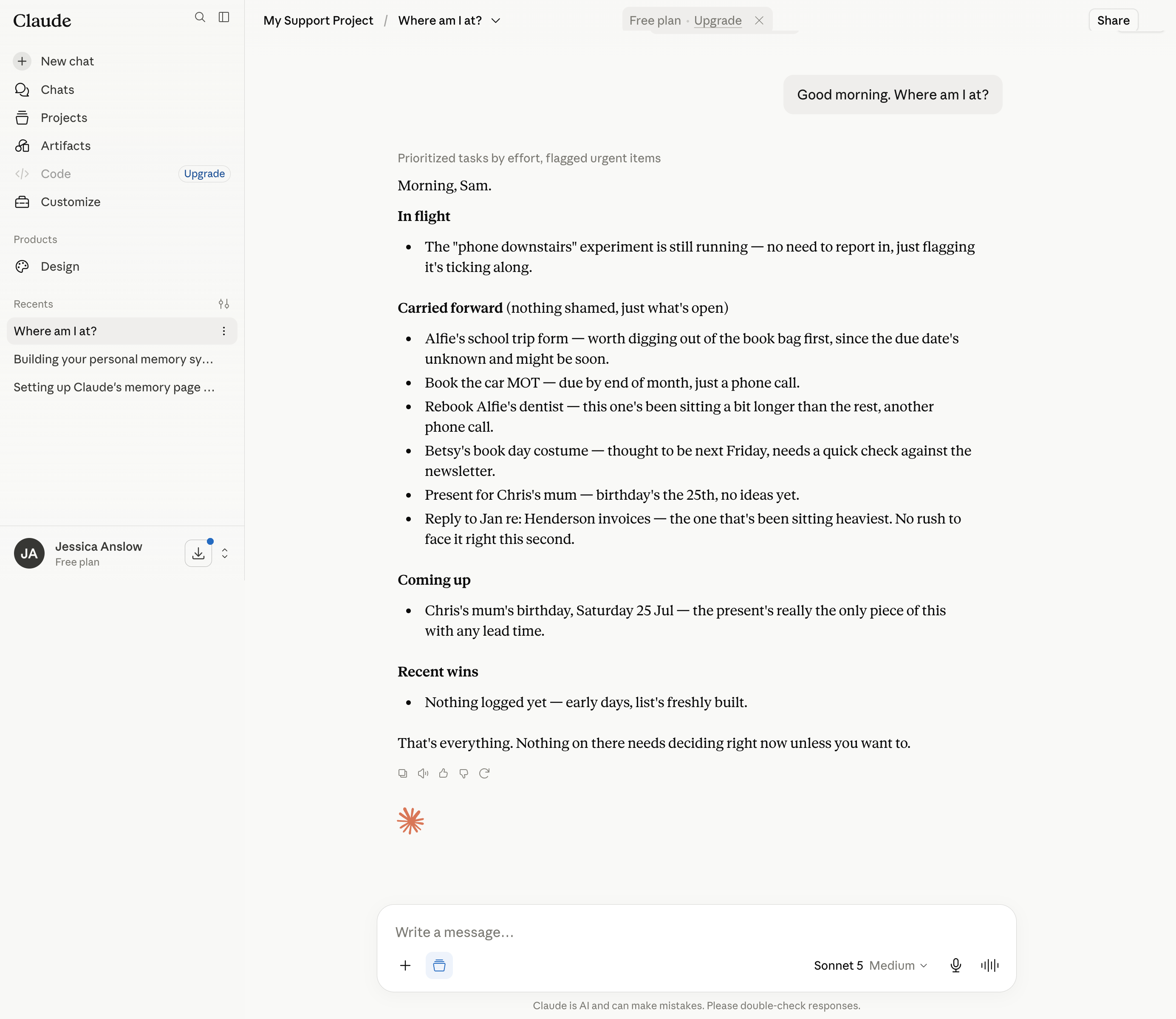
Tomorrow morning, open the project and ask: "where am I at?" That moment - when it answers, and it knows - is the kit working.
If something's off
- Claude interviews well but doesn't create the pages - ask it directly: "Please create your memory pages in Notion now, following the seeds file." If it says it can't reach Notion, revisit Guide 2.
- The interview feels like a questionnaire - say so: "This feels like a form - can we just talk?" It adjusts. Correcting Claude is not rude; it's how the whole thing learns.
- You ran out of steam mid-interview - that's fine and proves nothing about you. Say "let's finish this another time" - the pages keep whatever's been learned so far, and the next session picks up where you stopped. You never need to end a session properly, ever: wandering off mid-sentence is a fully supported exit.